What Kids Build at Journey to STEAM
Every program is written by educators, tested in real classrooms and revised every term. Kids don't sit through a lesson about engineering. They engineer.
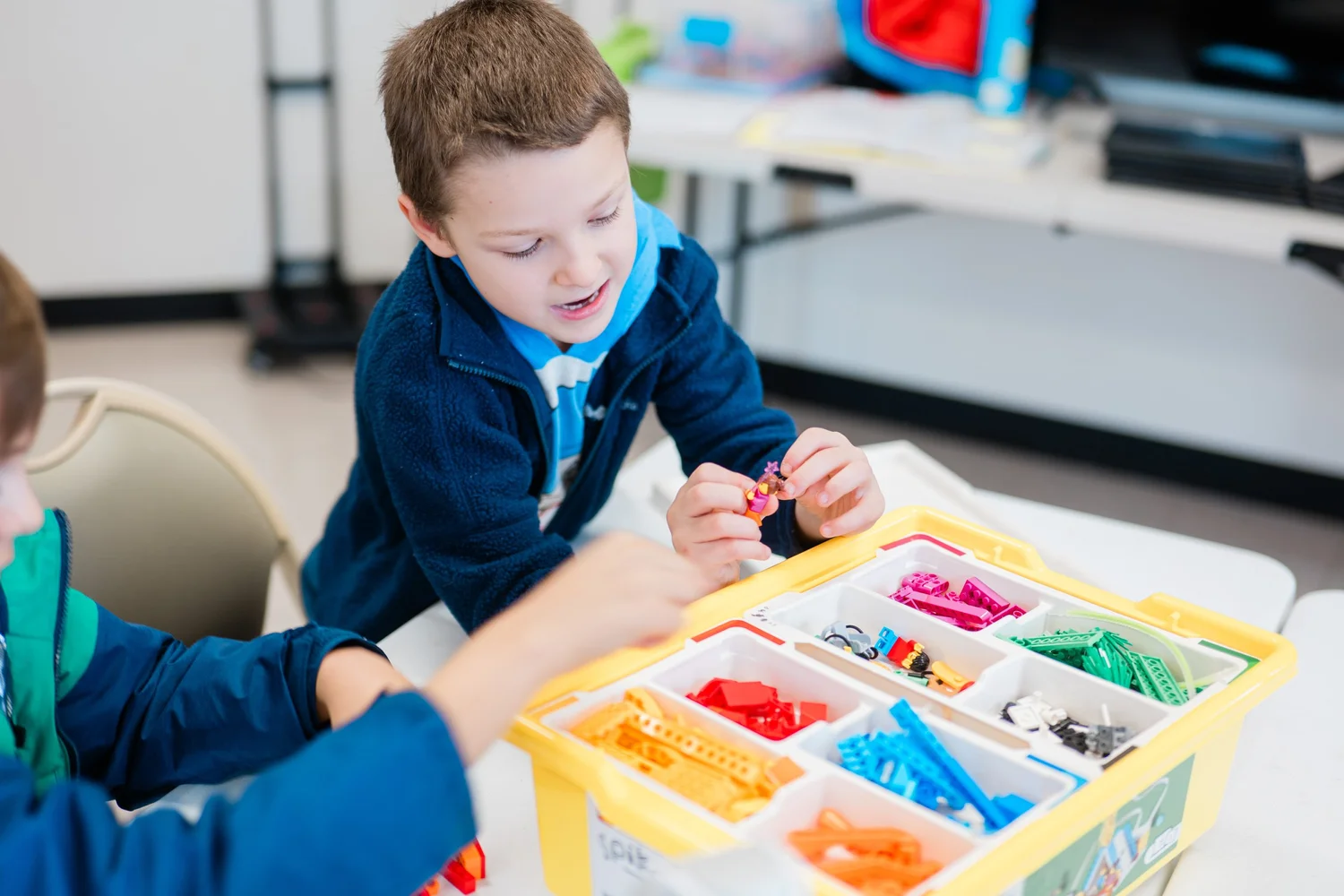
First builds, big ideas
Forty-five minutes built for a preschooler's attention span. Kids build towers that stand and bridges that hold, sort and pattern with bricks, and talk about what they made. The smallest groups we run, with a second adult when the group grows.
By the end: they plan a build, test it, fix it and explain it. That is engineering.
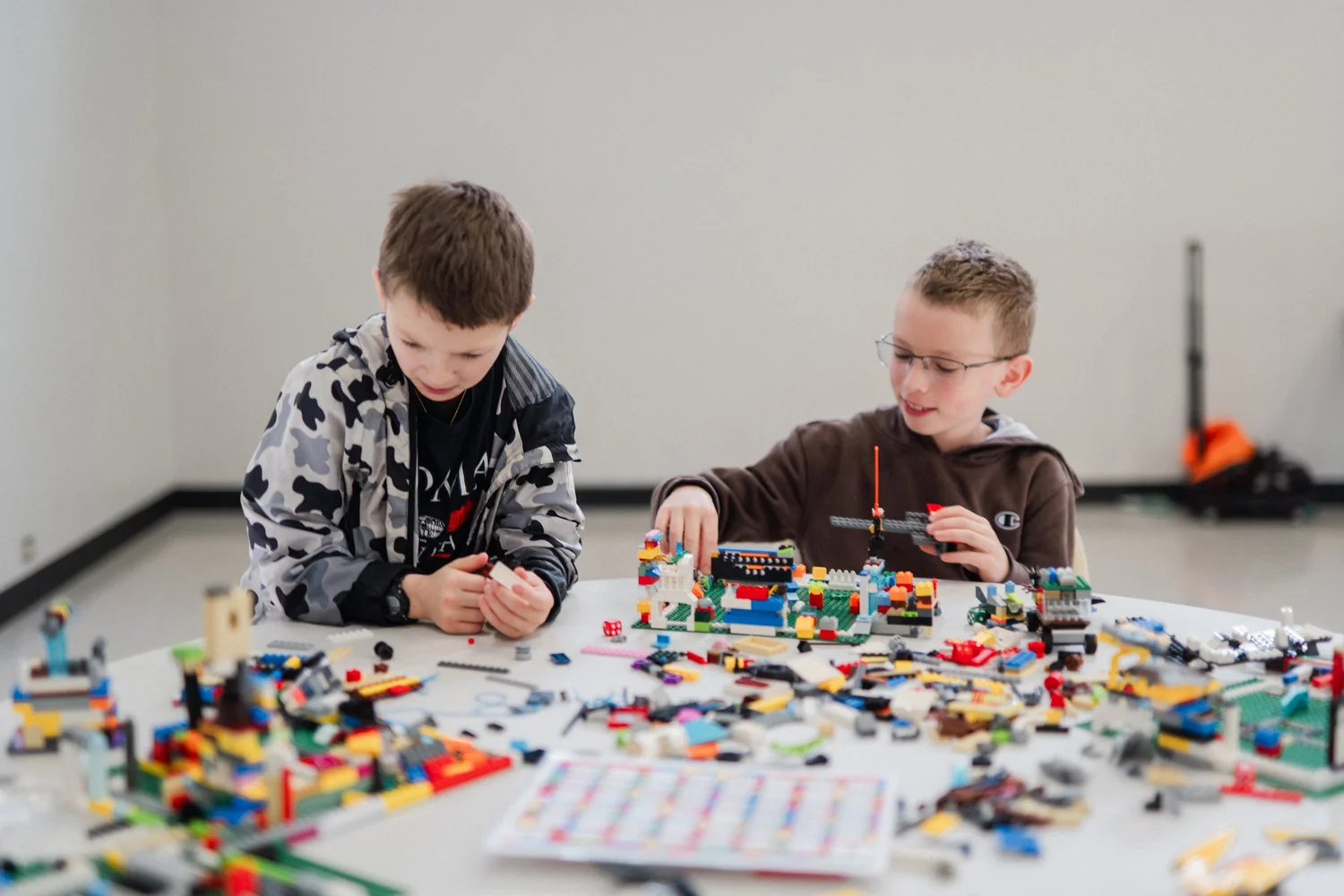
Engineers with a plan
Gears, levers, pulleys and structures that have to survive a test. Kids design a machine, build it, break it, improve it and present it. Screen-free coding with tiles and robots shows up when they're ready.
By the end: a working machine of their own design and the habit of trying again.
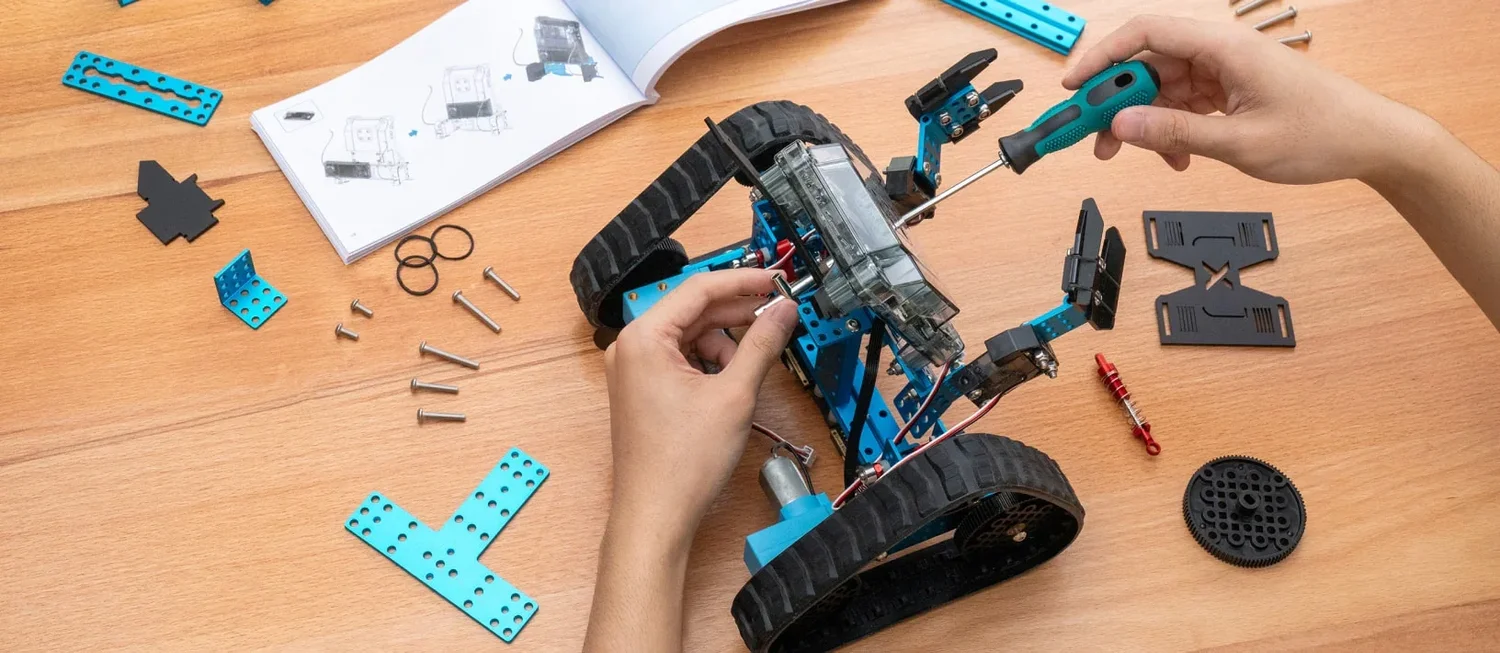
Coders, roboticists, game designers
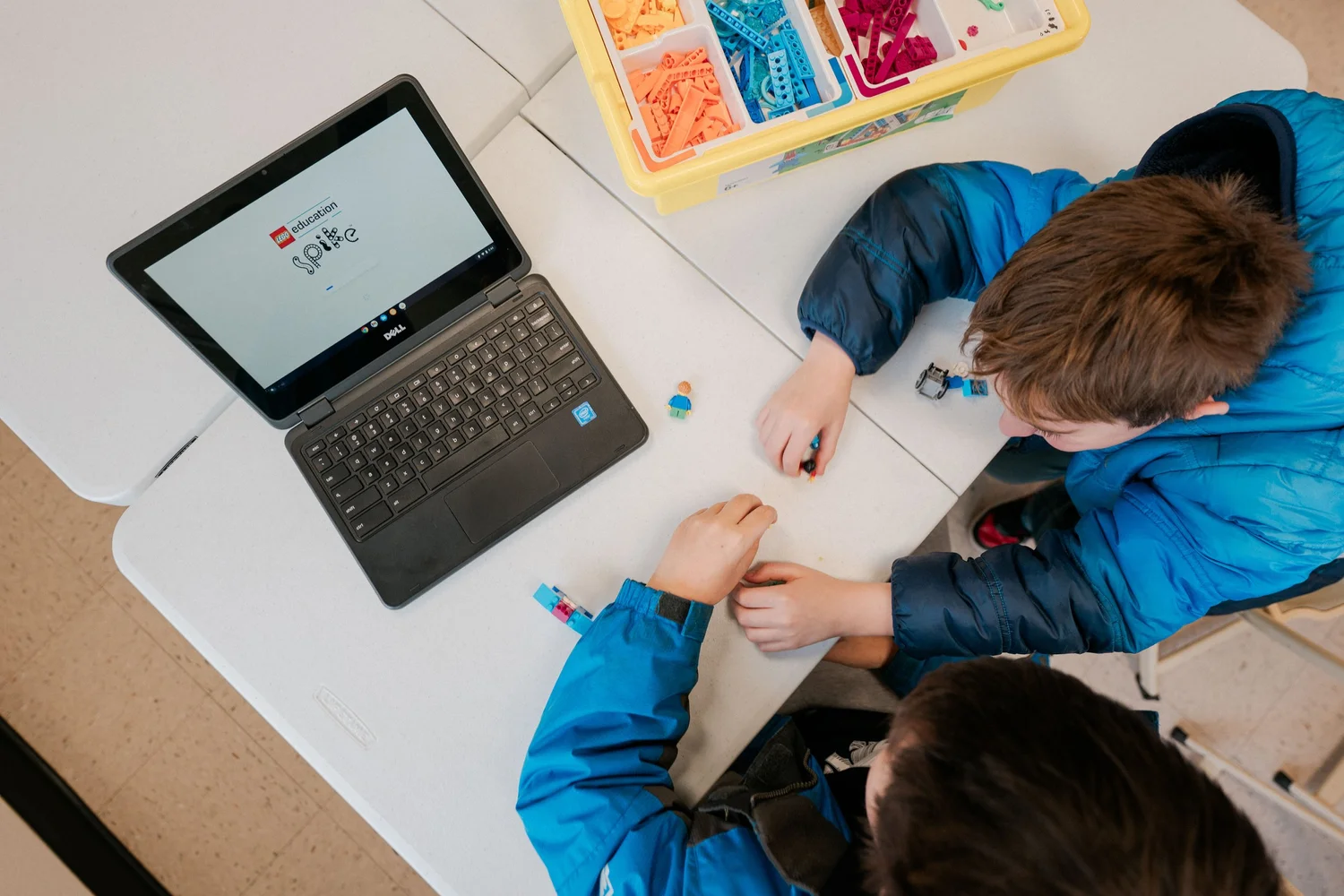
A video game they design in a world they already love. A robot they build in pairs and program to complete a mission. Real robots, real code, and a showcase where they demonstrate it. Each term goes further: block code, then game logic, then text-based programming.
By the end: a playable game or a mission-ready robot, and a kid who says "I made that."
A working app, built by your kid
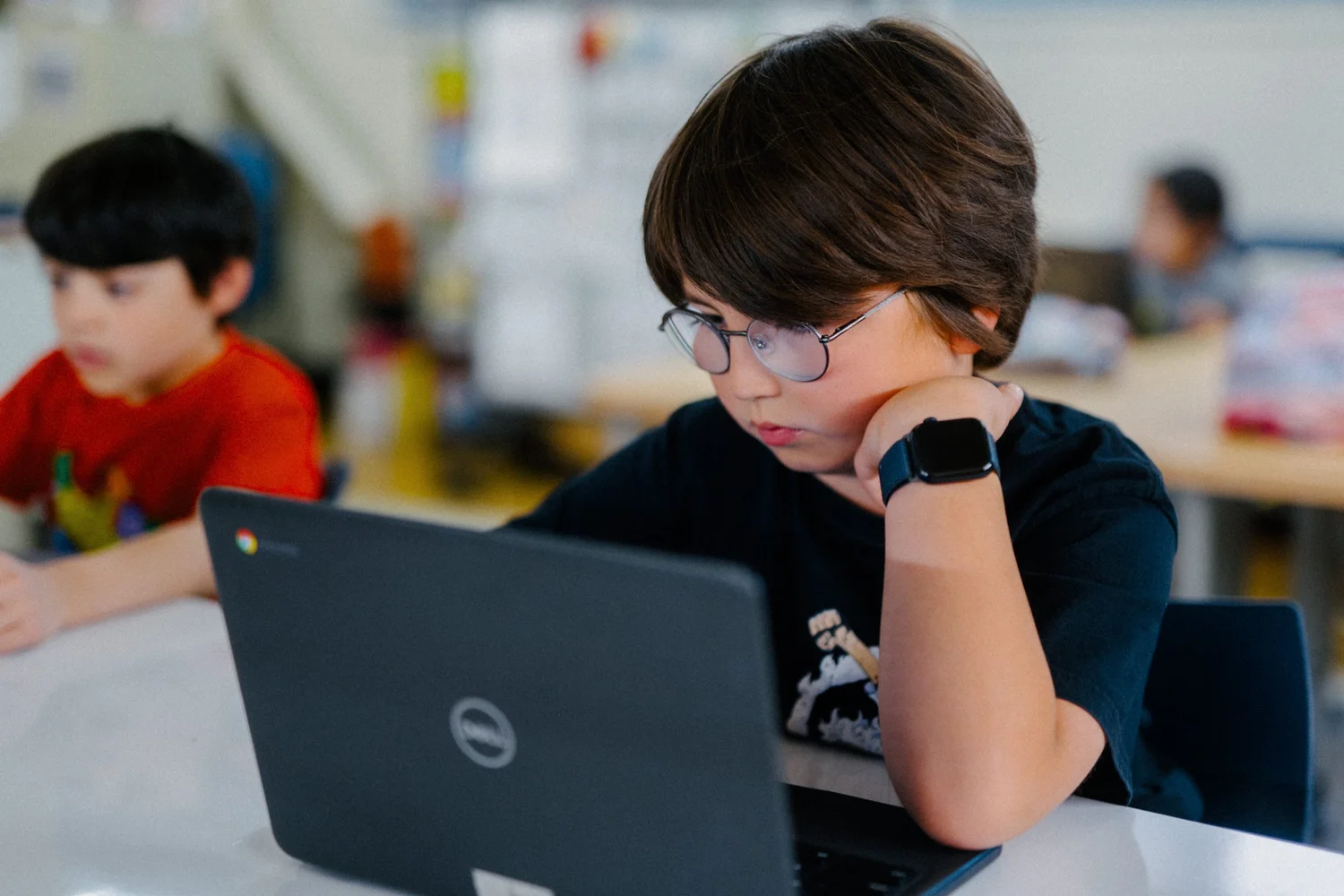
Our advanced tier. Kids design, build and test an app that runs on a real device, with variables, logic and a user interface they chose. Small groups, every kid on a device.
By the end: an app they can demo to the family, and a real answer to "what do you want to build next?"
Every program, every time
A visible finish line
Every session ends with something built, and every term ends with a showcase. Kids see their own progress.
Teamwork built in
Robots are built in pairs, games get playtested by a classmate, showcases are presented out loud. Collaboration and confidence are on the plan, every week.
Productive struggle
The tower falls. The code has a bug. Instructors coach the fix instead of doing it. That's where the learning lives.
Where to find them
Program questions
Does my child need to know how to code or build first?
No. Every program starts at zero and is designed so a beginner leaves with a finished project and a kid with experience goes further.
What tools do kids use?
LEGO bricks and LEGO robotics kits, mBot2 robots, Chromebooks with Scratch, Minecraft Education and app-building tools, plus screen-free coding with tiles and robots for the youngest kids. We bring all of it.
Is there screen time?
LEGO engineering and preschool STEAM are hands-on with no screens. Coding and robotics classes use Chromebooks for part of each session, always paired with building, testing and presenting.
Do the programs repeat?
No. Fall, winter and spring are different projects, and next year's are different again. Kids can stay for years and keep building new things.
How do you keep kids engaged for an hour after a full school day?
Small groups, hands on the materials within minutes, a challenge with a visible finish line, and instructors who teach kids for a living. Kids call it their favorite day of the week.
See what's running at your school
Fall classes are open now. Registration takes a few minutes.